> For the complete documentation index, see [llms.txt](https://docs.empowergpt.ai/llms.txt). Markdown versions of documentation pages are available by appending `.md` to page URLs; this page is available as [Markdown](https://docs.empowergpt.ai/apps/smart-meet/smart-meet-features.md).
# Smart Meet Features
### Meeting **Summary**
Smart Meet automatically generates a concise **Meeting Summary** to help users quickly understand the essence of the discussion. The summary includes:
* **Meeting Purpose:** A clear description of why the meeting was held.
* **Key Takeaways:** The major decisions, insights, and conclusions drawn.
* **Topics Discussed:** A structured overview of the main subjects covered during the meeting.
* **Next Steps:** A forward-looking list of agreed-upon follow-ups or required actions.
This section acts as a quick snapshot of the meeting, making it ideal for stakeholders who need context without reviewing the full transcript.
### **Meeting Transcript**
Smart Meet provides a complete **transcript** of the meeting, generated using advanced speech recognition.\
Key capabilities include:
* **Accurate Speech-to-Text Conversion:** Converts spoken content into a clean, readable transcript.
* **Speaker Identification (Diarization):** Automatically detects and separates different speakers, labeling them as Speaker 1, Speaker 2, etc.
The transcript ensures every detail of the conversation is captured and easy to navigate.
### **Action Items**
Smart Meet intelligently extracts **Action Items** from the conversation, identifying:
* Tasks and responsibilities
* Follow-up activities
* Commitments made by participants
* Deadlines (if mentioned)
These items are presented in a clear list so teams can quickly review what needs to happen after the meeting.
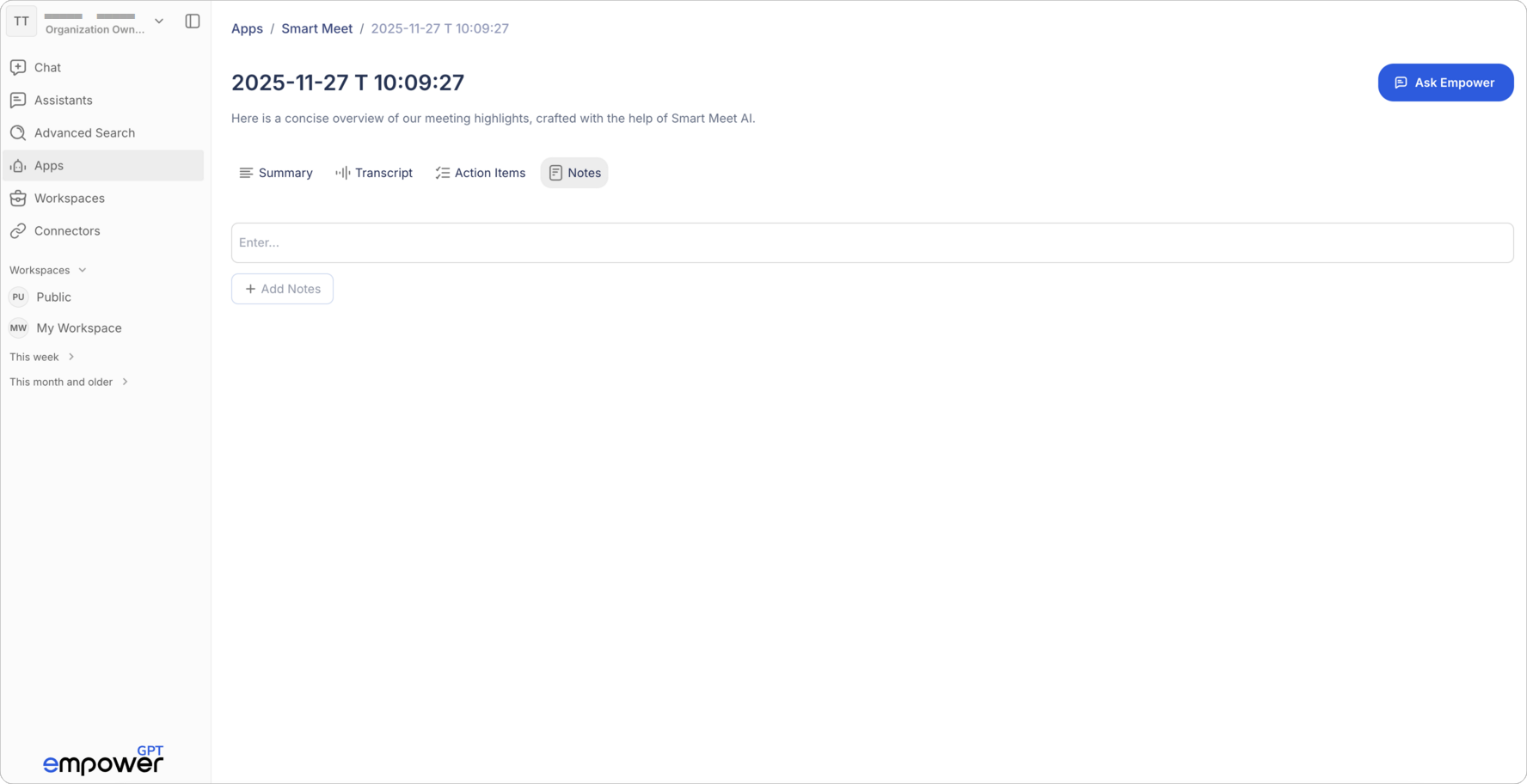
### **Notes**
The **Notes** section allows users to add or capture additional thoughts, context, reminders, or clarifications that may not appear directly in the transcript.\
Users can:
* Add personal notes
* Store key references
* Document decisions or ideas not formally captured during the meeting
This space gives users the freedom to enrich their meeting documentation in their own words.
---
# Agent Instructions
This documentation is published with GitBook. GitBook is the documentation platform designed so that both humans and AI agents can read, navigate, and reason over technical content effectively. Learn more at gitbook.com.
## Querying This Documentation
If you need additional information that is not directly available in this page, you can query the documentation dynamically by asking a question.
Perform an HTTP GET request on the current page URL with the `ask` query parameter, and the optional `goal` query parameter:
```
GET https://docs.empowergpt.ai/apps/smart-meet/smart-meet-features.md?ask=&goal=
```
`ask` is the immediate question: it should be specific, self-contained, and written in natural language.
`goal` is optional and describes the broader end goal you are ultimately trying to accomplish on behalf of the user. GitBook uses it to tailor the answer towards what is most useful for that goal.
The response will contain a direct answer to the question and relevant excerpts and sources from the documentation.
Use this mechanism when the answer is not explicitly present in the current page, you need clarification or additional context, or you want to retrieve related documentation sections.